
What Does TP Link Mean in Solar? UK Export & SEG Guide (2026)
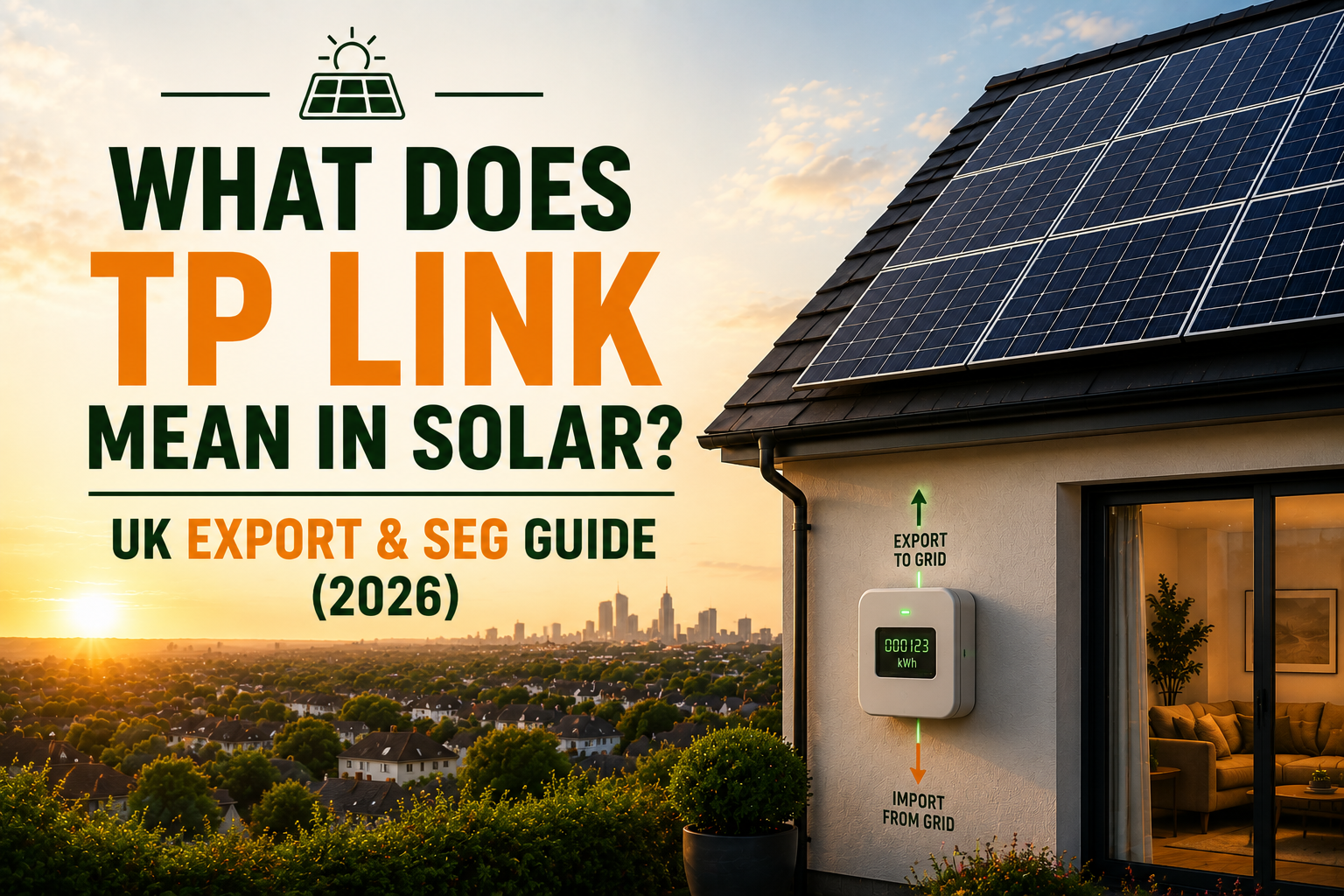

Confused about “TP Link” in UK solar paperwork and wondering if you need to buy something? It’s actually Third-Party Link – a data permission for export payments, not hardware.
- 1. The 60-Second Answer
- 2. TP Link vs TP-Link: The Confusion Explained
- 3. What Does “TP Link” Actually Do?
- 4. Why So Many SEG Payments Get Delayed
- 5. How Much Can SEG Actually Pay You?
- 6. Which Suppliers Cause the Most Confusion?
- 7. What Is an Export MPAN And Why It Matters
- 8. The Questions Every Homeowner Should Ask Their Installer
- 9. Why Most Installers Don’t Explain This Properly
- 10. How Solar4Good® Handles Monitoring & Export Setup
- 11. What Happens If Export Data Isn’t Verified?
- 12. Who This Is Not For
- 13. Final Word: TP Link Isn’t Complicated Silence Is
- 14. Frequently Asked Questions
Summary (TL;DR)
Key facts about TP Link in UK solar:
- TP Link means Third-Party Link – a data permission allowing suppliers to see export readings for SEG payments
- It’s not hardware or a router – nothing to purchase, just authorisation for data flow
- Required for Smart Export Guarantee payments – no verification means no payments
- Common cause of SEG payment delays when not properly configured during installation
The 60-Second Answer
If you’ve seen “TP Link” mentioned in your solar paperwork and thought: “Do I need to buy something?“, “Is this a router?“, “Is something wrong with my system?” Relax.
In UK solar, “TP Link” usually means Third-Party Link a data permission that allows your energy supplier to see your export readings.
It is:
- Not a router.
- Not hardware.
- Not something you need to purchase.
It is:
- A data authorisation step.
- Required for Smart Export Guarantee (SEG) payments.
- Often the reason SEG payments are delayed.
If export data isn’t verified, you don’t get paid. That’s it. Now let’s go deeper.
TP Link vs TP-Link: The Confusion Explained
| TP-Link® (the brand) | TP Link (in solar) |
|---|---|
| Wi-Fi router brand | Third-party data access permission |
| Physical product | Authorisation step |
| Bought in shops | Set up during SEG registration |
| Nothing to do with solar | Directly linked to export payments |
You won’t find “TP Link” in official Ofgem documentation. The proper term is third-party data access. But homeowners across the UK search “TP Link solar UK” every week so we’re using the term you’re actually typing into Google.
“When you mention third-party data access what exactly is being shared, with whom, and do I need to authorise anything myself?”
This is your data. You’re entitled to a clear answer.
What Does “TP Link” Actually Do?
Here’s the whole thing broken down simply.
When your solar panels generate more electricity than your home uses:
- Surplus electricity is exported to the grid.
- Your smart meter records exactly how much you export
- Your energy supplier must verify those readings
- You get paid under the SEG (Smart Export Guarantee)
The key word is verification.
Your supplier cannot pay you until they can see confirmed export data. That’s where third party access “TP Link” comes in. It allows your smart meter or monitoring platform to securely share export readings with your supplier.
No new hardware. No engineer visit. No physical changes.
Just authorised data flow.
Think of it like giving your energy supplier read-only access to a spreadsheet they can see the numbers, but they can’t change anything. Once they can see it, the payment process starts.
“Has third-party data access been configured as part of my installation or is that something I need to arrange with my supplier separately after handover?”
Ready to go Solar ?
Why So Many SEG Payments Get Delayed
Here’s what most installers don’t explain clearly enough.
When SEG (Smart Export Guarantee) payments are delayed after installation, it’s rarely because your panels aren’t working.
It’s usually one of these:
- Export MPAN not yet confirmed
- Smart meter export readings not flowing correctly
- Monitoring permissions not activated
- Supplier systems still processing the application
- Third-party data access not finalised
In other words: it’s admin not your solar system.
And this is where frustration builds. You’ve invested thousands of pounds. The panels are on the roof and working. The sun is shining. But you’re waiting and nobody’s explained why.
That’s exactly the gap this article exists to close.
“If my SEG payments haven’t started within 8 weeks of installation, what’s the most likely reason and what’s the first thing I should check?”
A well-prepared installer will walk you through the checklist without hesitation.
How Much Can SEG Actually Pay You?
According to Ofgem’s most recent data:
- 270,000+ installations are now registered to SEG (Smart Export Guarantee) tariffs
- £56+ million has been paid out to UK generators
- 443 GWh of low-carbon electricity exported to the grid
- Tariffs range from roughly 1p to 27p per kWh depending on your supplier
- The average effective rate works out around 10–13p per kWh
For a typical UK home exporting 1,500–2,000 kWh per year, that’s roughly £150–£260 annually.
Not life-changing money on its own. But it’s yours. And you only receive it if export verification is completed correctly. That makes the “TP Link” step worth understanding properly.
“Based on my system size and typical usage, how much could I realistically earn from SEG each year and what tariff rate should I be targeting?”
Which Suppliers Cause the Most Confusion?
Without naming and shaming, here’s what the picture looks like across the UK market:
- Some suppliers have smooth, automated SEG onboarding.
- Others require manual MPAN confirmation at multiple stages.
- Some ask for the same documents more than once.
- Payment timelines vary significantly even for identical setups
If your SEG (Smart Export Guarantee) payments haven’t started within 8–12 weeks of your application being approved, something is usually missing in the data chain.
The answer is rarely “wait longer.” It’s usually “check what’s missing” and knowing what to look for is what separates a frustrating experience from a smooth one.
“Which energy supplier do you find makes SEG registration easiest? And which ones tend to cause delays so I know what to watch for?”
An experienced installer will have seen this across dozens of customers. Their answer is genuinely useful intelligence.
What Is an Export MPAN And Why It Matters
Your Export MPAN is your unique meter reference number for electricity you send to the grid. Every property has one. Without it confirmed:
- SEG (Smart Export Guarantee) registration cannot complete
- Suppliers cannot verify export readings
- Payments stall even if everything else is in order
This is one of the most common bottlenecks in the UK solar process, and one of the least talked about. Before worrying about monitoring apps or data permissions, confirm your Export MPAN is registered. That’s the foundation everything else builds on.
“Can you confirm my Export MPAN has been registered? And how do I find it in my documentation?”
The Questions Every Homeowner Should Ask Their Installer
Instead of asking “Is TP Link set up?” which most installers won’t know how to answer clearly ask these:
- Has my Export MPAN been confirmed?
- Is my smart meter compatible with SEG (Smart Export Guarantee) registration?
- Has third-party data access been configured?
- Do I need to authorise anything with my supplier directly?
- Which documents will my supplier ask for and do I have them?
A confident, well-prepared installer answers every one of these clearly. If they hesitate or deflect that’s useful information before you sign anything.
Why Most Installers Don’t Explain This Properly
Here’s the uncomfortable truth.
Most installers are genuinely skilled at what they do on the roof panel placement, inverter sizing, electrical work, commissioning. But export setup often gets treated as:
“Something the supplier sorts.“
And technically, that’s partly true. SEG registration is completed by the customer through their chosen supplier not the installer. But leaving customers to navigate the process without preparation is where the experience breaks down.
Home solar: What owners actually need?
- To understand what’s happening behind the scenes
- To know which documents they’ll need
- To know what “normal” looks like vs. a genuine problem
- To have someone they can call if something doesn’t add up
That preparation happens or doesn’t at handover. And most of the time, handover is a 10-minute conversation and a folder of paperwork.
That’s the gap. And it’s entirely avoidable.
How Solar4Good Handles Monitoring & Export Setup
At Solar4Good, monitoring and export setup are part of the installation not optional extras bolted on at the end.
Our credentials:
- MCS-certified: NAP/72775/25/4
- HIES-registered: S4G/A/1484
- 2,500+ installations completed across the UK
- 4.8/5 Trustpilot rating
That preparation happens or doesn’t at handover. And most of the time, handover is a 10-minute conversation and a folder of paperwork.
That’s the gap. And it’s entirely avoidable.
Before Handover
We check and confirm:
- Smart meter compatibility with SEG (Smart Export Guarantee) registration
- Export MPAN status
- Monitoring platform access and connectivity
- That all required documentation is ready before we leave
At Handover
Before we go, you’ll know:
- How to read generation and export figures in your monitoring app
- What normal daily performance looks like for your specific system
- Exactly which steps to take to register for SEG payments with your supplier
- Which documents your supplier will ask for and that you have them:
- MCS certificate (NAP/72775/25/4)
- DNO acknowledgement / Export MPAN.
- Installation invoice.
One important note: SEG registration itself must be completed by you through your chosen energy supplier. We make sure you’re fully prepared to do it we just can’t do it on your behalf.
After Installation
Questions come up. Monitoring figures look different than expected. A supplier asks for something you’re not sure you have. A payment hasn’t arrived.
Our support team is here for all of it monitoring access, documentation, or understanding how your export data is being handled. You won’t be left navigating this alone.
“At handover, will you walk me through the monitoring app and confirm my Export MPAN is registered? And if I have a problem with SEG registration afterwards, who do I call?”
This single question tells you everything about how seriously an installer takes aftercare.
What Happens If Export Data Isn’t Verified?
Your panels keep working.
Your home keeps saving money on its bills.
You keep exporting electricity to the grid.
But SEG (Smart Export Guarantee) payments pause until verification is complete. This is not a system fault. It’s a data confirmation issue. And in most cases it resolves once:
- Consistent export readings are recorded over a billing period
- Export MPAN is fully registered
- Supplier processing completes
No engineer needed. No changes to your physical system. Just patience and knowing what to chase if it drags on.
Who This Is Not For
If your monitoring app is showing export readings, your SEG (Smart Export Guarantee) application has been approved, and payments have already started you’re fine. You don’t need to worry about TP Link.
But if payments haven’t started after installation and you’re not sure why the data verification chain is the first place to look.
Final Word: TP Link Isn’t Complicated. Silence Is
“TP Link” sounds technical. It isn’t.
It’s simply a data permission required to release your export payments. The concept takes about 90 seconds to understand once someone explains it properly. The real issue isn’t the concept it’s when installers fail to explain it, and customers are left chasing answers weeks after installation.
Solar should be transparent from day one. Including how you get paid.
If you’re planning a solar installation and want clarity on export payments, monitoring setup, and SEG registration before you commit to anything speak to Solar4Good.
Free consultation. No pressure. Just straight answers.
Frequently Asked Questions
What does TP Link mean for solar panels in the UK?
In a solar context, TP Link stands for Third-Party Link a data access permission that lets your energy supplier or monitoring platform view your verified export readings. It’s not hardware, not a router, and not something you need to buy. It’s an authorisation step that must be in place before SEG (Smart Export Guarantee) payments can begin.
Do I need to buy any equipment for TP Link setup?
No. Nothing to purchase, nothing to install. It’s a data permission configured between your smart meter or monitoring platform and your energy supplier.
Does Solar4Good register for SEG on my behalf?
No SEG (Smart Export Guarantee) registration is completed by you directly through your chosen electricity supplier. What we do is make sure you arrive at that conversation fully prepared: with your MCS certificate (NAP/72775/25/4), DNO acknowledgement, installation invoice, and a clear understanding of the steps involved.
What documents will my supplier ask for when I apply for SEG?
Most suppliers request three things, all provided by Solar4Good at handover:
- MCS certificate Solar4Good: NAP/72775/25/4
- DNO acknowledgement or Export MPAN
- Final installation invoice
Exact requirements vary by supplier, so it’s worth confirming with yours before you apply.
Why haven’t my SEG payments started?
Almost always a data verification delay, not a system problem. Your supplier may be waiting for smart meter readings to stabilise, your Export MPAN to be confirmed, or your application to complete processing. Check your monitoring app for export readings, confirm your MPAN is registered, and follow up with your supplier on application status.
Does TP Link affect homeowners and businesses differently?
For homeowners, third-party data access usually runs quietly in the background as part of normal export setup. For businesses especially those managing multiple sites or operating under Power Purchase Agreements it’s more visible, because performance reporting and contractual compliance depend on accurate, ongoing data access.
Who do I contact if my monitoring or export data isn’t working?
Start with Solar4Good our support team can help with monitoring setup and documentation questions. For SEG (Smart Export Guarantee) tariff rates, payment timelines, or registration status, your energy supplier is the right contact. Either way, we’ll point you in the right direction.
Solar4Good is an MCS-certified (NAP/72775/25/4), HIES-registered (S4G/A/1484) solar installer operating across the UK. With 2,500+ installations completed and a 4.8/5 Trustpilot rating, we’re here for the long term from first consultation through to years of aftercare.
About the Author
Manan Shah
Co-Founder of Solar4Good UK. Leads Solar4Good's commercial strategy and customer relationships, and is quoted as a clean-energy authority by some of the UK's most trusted news publications. Quoted in the Financial Times and The Times on UK solar.
📞 Book a free solar consultation
Call us on 0800 999 1454 or visit solar4good.co.uk
Read over 800+ verified five-star reviews on Trustpilot and Checkatrade
Solar4Good Ltd · 79 College Road, Harrow, HA1 1BD · MCS: NAP/72775/25/4 · HIES: S4G/A/1484